
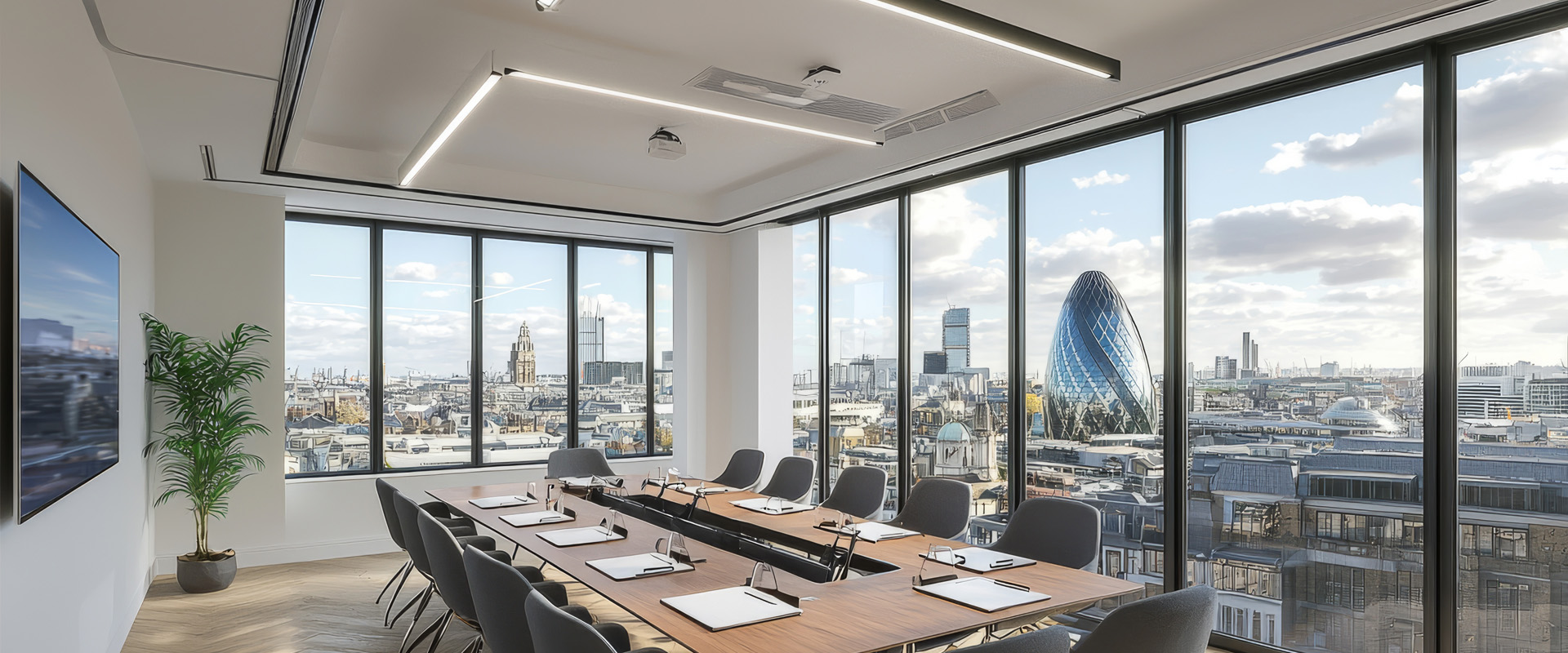
In a high-stakes boardroom, every word carries weight. Whether it’s a closing argument on a deal or a strategic shift in clinical direction, communication is the primary "product" of the meeting.
Yet, while companies spend thousands on 4K displays and ergonomic chairs, audio is often the most neglected—and most problematic—element of the room. Poor audio isn't just an inconvenience; it leads to listener fatigue, misunderstood instructions, and a lack of professional "polish."
Here is why getting the boardroom to sound right is often harder than getting it to look right:
1. The "Acoustic Aquarium" Effect
Modern boardrooms love aesthetic design: glass walls, polished hardwood tables, and high ceilings. To an audio engineer, this is a nightmare.
- The Challenge: These hard surfaces are highly reflective. Sound waves bounce off the glass and table, creating a "reverberant" or "boomy" sound.
- The Result: Remote participants feel like they are listening to someone speak from inside a fishbowl, making it exhausting to follow a 60-minute presentation.
2. The Long Table Problem
In a large boardroom, the person at the head of the table might be twelve feet away from the person at the far end.
- The Challenge: Standard microphones have a "drop-off" point. If you use a single puck mic in the center, the people at the ends will sound distant and thin.
- The Solution: This requires Beamforming Mic Arrays—intelligent microphones (often ceiling-mounted) that "steer" their pickup toward whoever is talking, effectively equalizing the volume for everyone in the meeting.
3. Ambient Noise Pollution
A boardroom isn't a vacuum. It’s surrounded by the life of the building.
- HVAC Systems: The low-frequency hum of air conditioning can mask the lower tones of a human voice.
- Paper and Glass: The sound of a pen tapping, a laptop lid closing, or a glass of water being placed on a table is amplified significantly by table-top microphones.
- The "Side Bar": When two people in the room whisper to each other, a sensitive microphone picks that up and broadcasts it to the remote participants, often drowning out the main speaker.
4. The Hybrid "Double-Talk" Dilemma
In a hybrid meeting, there is a natural delay (latency) in digital audio.
- The Challenge: When an in-room participant and a remote participant speak at the same time, the system’s Acoustic Echo Cancellation (AEC) has to work overtime.
- The Result: If the AEC isn't high-quality, the system will "clip" or mute one of the speakers entirely, leading to that awkward "Sorry, you go ahead" loop that kills the flow of a meeting.
5. "BYOD" and User Error
No matter how good the room's audio is, one person joining from their laptop with their speakers turned up can create a feedback loop that pierces everyone's ears. Managing how "Bring Your Own Device" (BYOD) interacts with a professional Microsoft Teams Room or Zoom Room setup is a constant hurdle for IT teams.
How to Solve the Audio Struggle
Solving these issues requires a multi-layered approach:
- Acoustic Treatment: Using subtle acoustic panels or "clouds" to soak up reflections.
- DSP (Digital Signal Processing): A "brain" for your audio that automatically filters out HVAC hums and taps.
- Strategic Mic Placement: Moving away from table mics toward integrated ceiling arrays for a cleaner look and better pickup.