
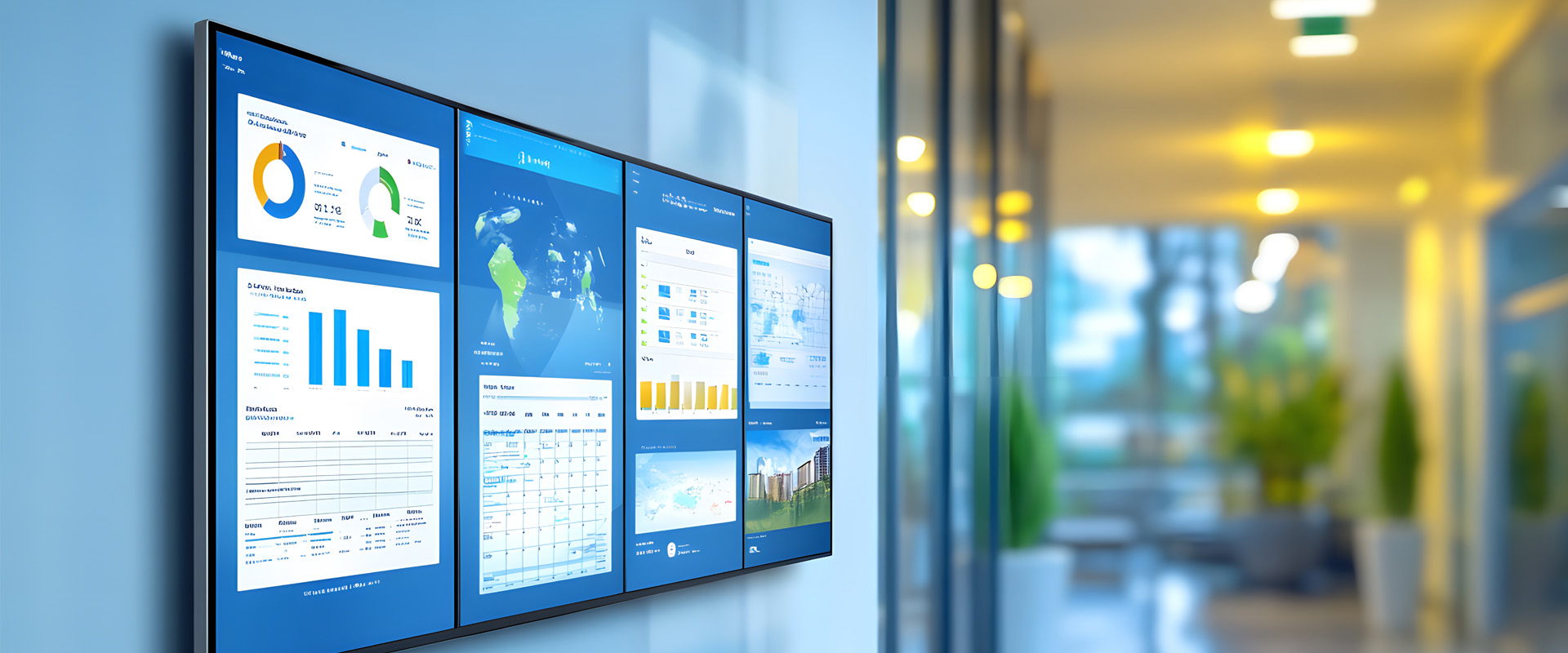
In an era of "screen fatigue," simply putting a monitor on a wall isn't enough. To get people to actually look up from their phones, your digital signage needs to stop being a static poster and start being a dynamic experience.
Whether you are managing a corporate office, a retail space, or a clinical skills lab, the goal is the same: transformation from passive viewing to active engagement. Here is how to make your digital signage impossible to ignore.
1. The 3-Second Rule (Visual Hierarchy)
Most people encounter digital signage while in motion. You have roughly three seconds to capture their attention.
- High-Contrast Visuals: Use bold colors and large, sans-serif fonts.
- Minimal Text: If it takes more than five seconds to read, it’s too long. Aim for a "hook" headline and a clear call to action (CTA).
- Motion with Purpose: Subtle movement catches the eye, but constant, chaotic animation becomes "visual noise" that people subconsciously tune out.
2. Context is King: Right Message, Right Time
Engagement drops when content feels irrelevant. Modern signage software allows for conditional scheduling:
- Dayparting: Show "Morning Motivation" or breakfast menus at 8:00 AM, and shift to "Afternoon Safety Briefs" or happy hour specials by 4:00 PM.
- Hyper-Local Data: Integrate live weather, local news tickers, or real-time transport updates. People will look at your screen for the utility (the bus time) and stay for your message (the upcoming event).
3. Leverage "Scan-to-Act" (QR Integration)
Engagement shouldn't end at the screen. Since everyone has a smartphone, your signage should act as a gateway.
- QR Codes: Instead of listing a long URL, use a large, high-contrast QR code.
- The Incentive: Give them a reason to scan—a downloadable PDF of clinical guidelines, a discount code, or a link to register for a seminar.
4. Interactive "Hotspots" and Touch
If your hardware supports it, turn your signage into a tool.
The Pro Tip: Instead of a looping video, allow users to touch the screen to explore specific "Active Zones"—like clicking on a virtual equipment rack to see a "How-to" video or diagnostic data.
5. Social Proof and Real-Time Feeds
Nothing builds engagement like seeing oneself on screen.
- Social Media Walls: Curate a hashtag and display live (but moderated) posts from your team or students.
- Leaderboards: If you are running simulations or training exercises, display real-time "High Scores" or completion rates. Friendly competition is a powerful motivator for engagement.
6. The Power of "Wait Time" Content
Identify where people are standing still (elevators, break rooms, or simulation debriefing areas). This is where you can afford to show slightly longer-form content, such as:
- Employee/Student Spotlights
- Short "Did You Know?" facts
- Safety "Quick Tips"
Conclusion: Audit and Evolve
The biggest enemy of engagement is stagnation. If a screen shows the same image for two weeks, it effectively becomes invisible. Audit your content weekly, keep it fresh, and always ask: "If I were walking past this, would I stop?"